One More Lawn Controls: Keyboard, Controller and Wheel
Every One More Lawn control that matters: driving, the deck lever, blades, the rear camera, emotes, golf and boat prompts, plus remapping on PC.
One More Lawn's controls are built around a physical mower: you drive it, look at things, click switches and scroll a deck lever. The title screen lists the basics, but several prompts only appear when you are sitting in the seat or standing next to a tool.
Options > Controls > Keys and Buttons has been live since 0.9.18. Fix the deck lever and camera before Elvira's deadline, not during it.
This is the practical binding sheet, including the prompts shown in the demo and the remapping added in 0.9.18.
The core driving controls
| Action | Default input | Notes |
|---|---|---|
| Drive | WASD | W forward, S brake/reverse, A/D steer. |
| Look | Mouse | Free look from the seat. |
| Start the engine | Click / hold the key | Hold, do not tap. |
| Blades on/off | Click the blade switch | The engine can run without cutting. |
| Lights | Click the light switch | Useful in the evening and the timelapse. |
| Deck lever | Look at it and scroll | The HUD shows the height number. |
| Get off / on | Space | The prompt appears when you are near the mower. |
| Rear camera | V | The cheapest way to drive a straight line. |
| Hands on the dash | Tab | The prompt appears in the first-person view. |
| Smoke / drink | Smoke / Drink key | Social animations; Family Friendly mode changes the props. |
| Emote wheel | Hold Z, release to choose | Wave, point, flair, hip hop, salsa, rumba. |
The exact key for smoke and drink is shown on the title screen's control panel. If you remap it, the prompt follows your binding.
Context prompts
String trimmer
When you equip the trimmer, the HUD shows Throttle and Stop. Hold throttle to spin the line, release to stop. The trimmer is for edges, walls and beds; it does not replace the mower.
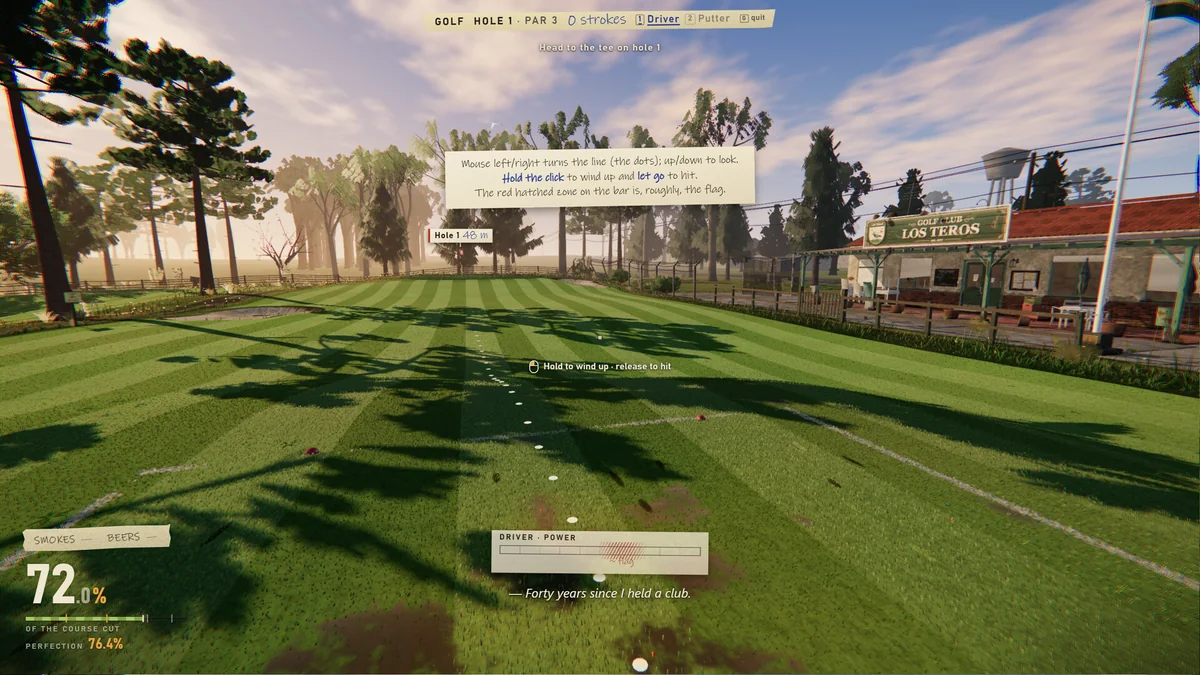
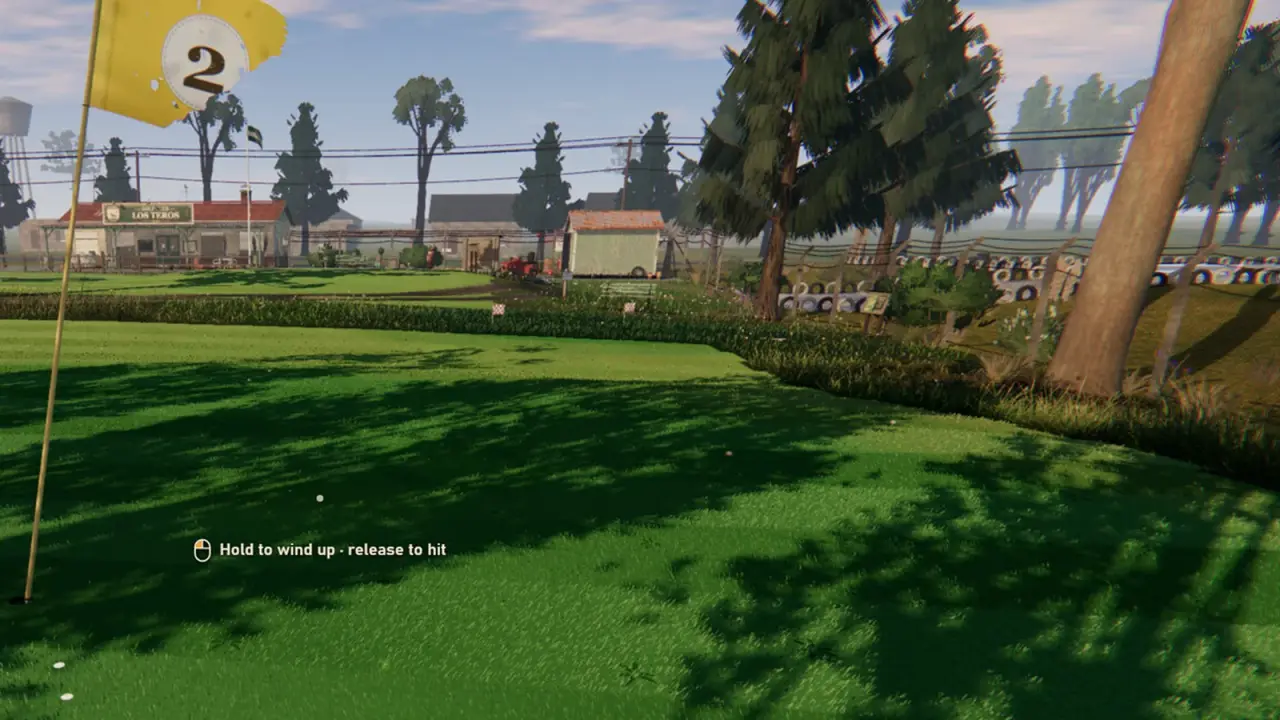
Golf
- 1 — driver.
- 2 — putter.
- E — quit the hole.
- Mouse left/right — aim.
- Mouse up/down — look.
- Hold click — charge; release — swing.
Boat
- Go — accelerate.
- Brake/reverse — slow down.
- Steer — turn.
- Stand up — leave the seat.
Receipt screen
- Enter — keep polishing.
- N — start over.
- M — menu.
- F — watch the timelapse.
Remapping on PC
Since 0.9.18, keyboard, mouse and controller bindings can be remapped in Options > Controls > Keys and Buttons. Wheel buttons live under Wheel and Pedals.
A sensible remap for long sessions:
- Rear camera on a mouse side button or a controller bumper.
- Deck lever on a scroll wheel or a controller trigger you can reach without looking.
- Get off/on on a key you can hit while holding the wheel.
- Emote wheel somewhere harmless; you will press it by accident.
You can also completely disable the controller in Options > Controls. This is useful if a connected gamepad is fighting your mouse and keyboard.
Controller support
The store page lists full controller support, including DualShock. The game detects standard controllers and has improved Steam Deck and non-standard gamepad support since 0.9.18.
- Use the in-game remap screen, not Steam Input, unless you need a custom layout.
- If the controller is not detected, check the Options > Controls device setting.
- On Steam Deck, the default layout works; remap the deck lever if the trackpad is awkward.
Wheel and pedals
Force feedback wheels are supported, including separate MOZA and Fanatec bases after the 0.9.20 calibration update.
- Calibrate the wheel in Options > Controls > Wheel and Pedals.
- Bind the deck lever and blade switch to wheel buttons.
- Expect the first setup to take longer than the first lawn.
- If the force feedback is too strong, lower it before you fight the mower.
Common control problems
- The mower will not start: hold the key, do not tap it. Check the fuel.
- The blades will not engage: click the blade switch, not the key.
- The deck height will not change: look directly at the lever before scrolling.
- The camera is stuck: press V to cycle the rear view, or get off and back on.
- The controller is drifting: disable it in Options > Controls and use mouse/keyboard.
- The emote wheel is stuck open: release the emote key; it selects on release.
FAQ
How do you change the deck height in One More Lawn?
Look at the deck lever and scroll. The HUD number changes; that number is what the receipt checks.
How do you get off the mower?
Press Space when the get-off prompt appears.
Can you remap controls?
Yes. Options > Controls > Keys and Buttons covers keyboard, mouse and controller; wheel buttons are under Wheel and Pedals.
Does One More Lawn support wheels?
Yes, with force feedback, including separate MOZA and Fanatec bases since 0.9.20.
If the camera still feels wrong after remapping, the settings guide→ covers the options that are actually in the build.
Official source: One More Lawn on Steam ↗, the 0.9.18 remapping notes ↗ and the 0.9.20 wheel calibration notes ↗.