One More Lawn Radio: Stations, Custom Music and Streaming
How the One More Lawn radio works: licensed stations, loading your own music onto the mower, sharing tracks in co-op and staying safe while streaming.
The One More Lawn radio is the mower's built-in soundtrack. It plays licensed music while you cut, and on PC you can load your own audio files onto the tractor radio. It is one of the game's best small details: a job simulator with a radio dial is automatically more human than one without.
This guide covers the stations, custom music, co-op sharing and the streaming rules.
The in-game radio
The mower has a radio on the dashboard. You can turn it on, change stations and adjust the volume from the seat.
- The licensed radio music is cleared for streaming and monetization, according to the developers.
- The station list is not published in the demo material I inspected; treat it as a curated in-game mix, not a real-world radio directory.
- The radio continues while you drive, trim and walk around near the mower.
I have not found an official soundtrack release or a track list. The Google suggestions for "One More Lawn soundtrack" and "One More Lawn songs" exist, but they are people looking for something that may not be sold separately yet.
Custom music on PC
The full game lets you load audio files from your PC into the tractor radio. The official description is specific:
- Load your own music into the radio.
- Share it with friends in co-op.
- Files are not uploaded anywhere.
- Use only music you have the rights to.
This is a local playlist feature, not a streaming service. The game reads your files; it does not host them.
How to add music
The exact folder and menu label are not published yet. The expected flow is:
- Find the game's music folder or the in-game "add music" option.
- Copy supported audio files into it.
- Open the radio and select your custom station.
- Test one track before you commit to a long job.
The folder path will be confirmed after launch. If the game uses a standard Documents/My Games folder, that is the first place to look.
Sharing music in co-op
Since 0.9.19, co-op players can share custom music. The prompt offers Ask, Always and Never:
- Ask — the game asks each time.
- Always — accept shared music automatically.
- Never — decline all shared tracks.
Sharing is peer-to-peer in spirit: the host plays a local file, and the game shares the audio stream with the lobby. The file itself is not uploaded to a server.
If you are streaming, turn sharing off. A friend's copyrighted track can get your VOD muted even if your own music is cleared.
Streamer Mode
Streamer Mode hides the lobby code on screen. It was added in 0.9.19 and is the setting to use if you are broadcasting.
What it does:
- Hides the six-digit lobby code.
- Keeps your session private from viewers who might join.
- Does not automatically mute the radio or custom music.
You still need to manage music rights yourself. The safe streaming setup:
- Turn on Streamer Mode.
- Use the licensed in-game radio, not custom music.
- Set shared music to Never.
- Mute your microphone when you cough.
The radio and the job
The radio is cosmetic; it does not affect the score. But it changes the pace of a long job:
- Elvira's backyard is a short job; one station is enough.
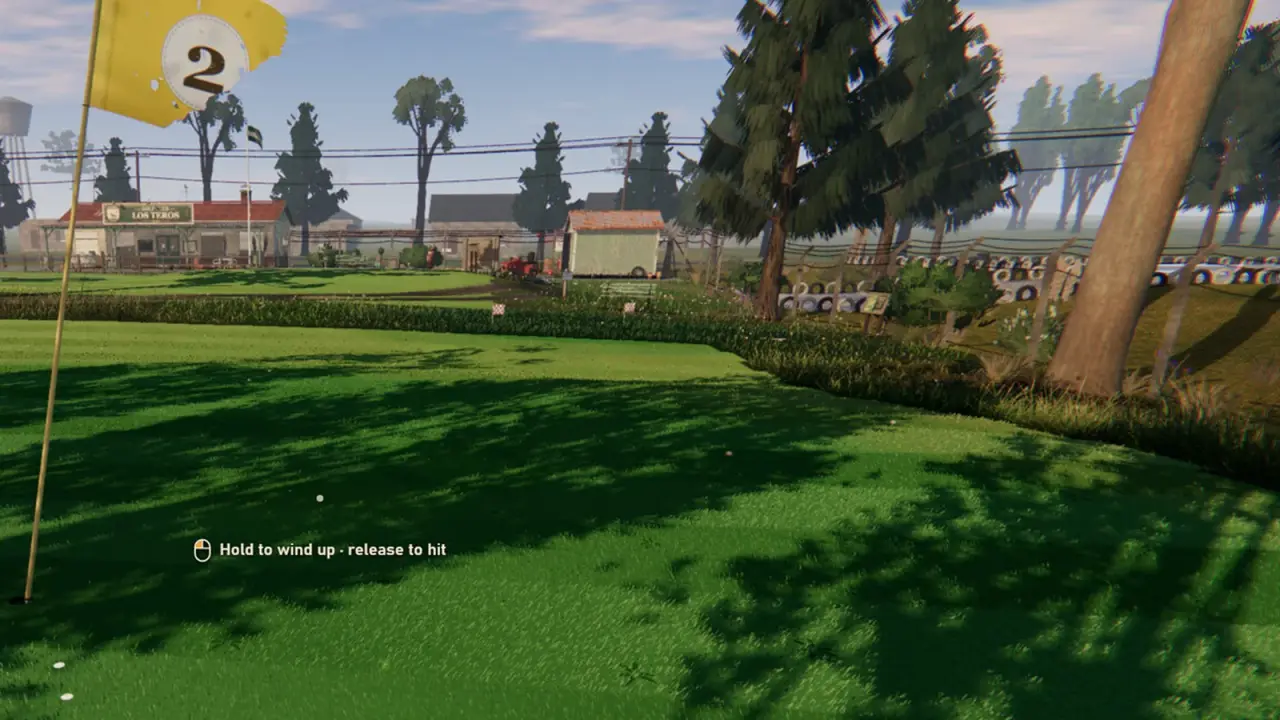
- The golf course is long; the radio fills the fairway passes.
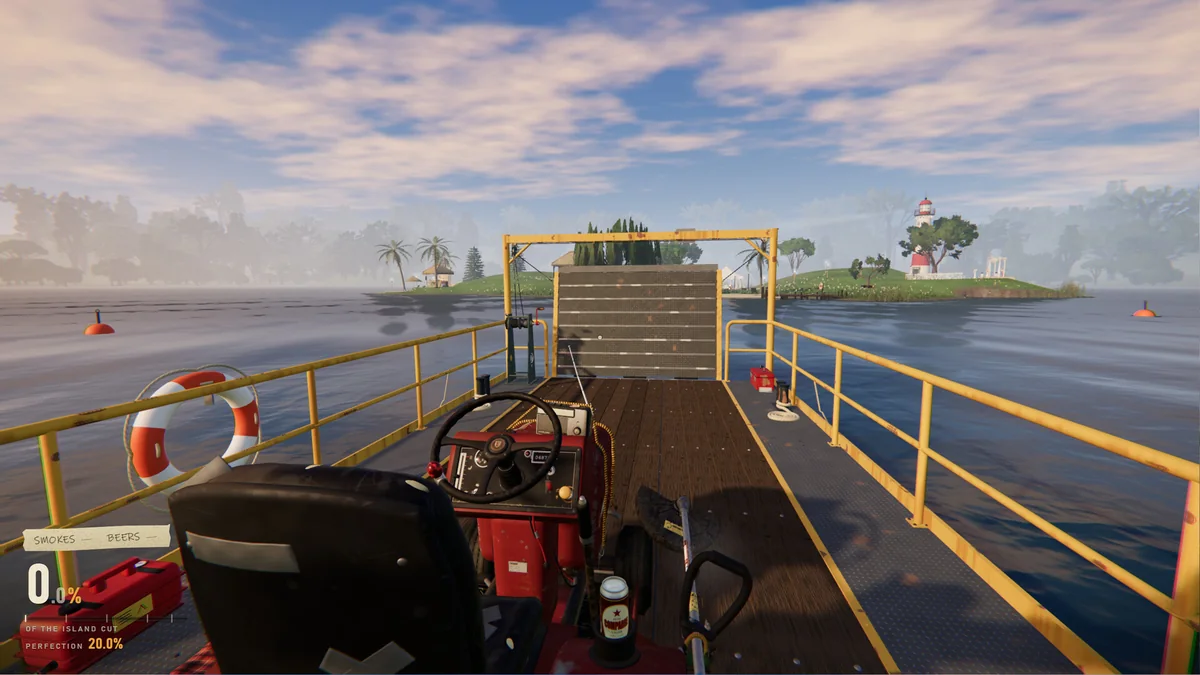
- The island is the most atmospheric; the radio and the boat engine compete.
If you are playing with voice chat, turn the radio down. Proximity voice is part of the fun, and the radio makes it harder to hear.
Music and Family Friendly mode
Family Friendly mode changes cigarettes and beer, not music. The radio is unaffected.
If you are playing with younger players, check the lyrics yourself. The licensed station is the game's curation, not a parental filter.
Troubleshooting
- No radio sound: check the radio switch and the game's volume mix.
- Custom track will not play: check the file format and that the file is in the right folder.
- A track skips: the 0.9.20 notes mention a radio auto-next fix; make sure you are on the current version.
- Co-op music keeps asking: set sharing to Always or Never.
- Stream gets muted: you are probably playing custom music. Switch to the licensed radio.
FAQ
Is there an official One More Lawn soundtrack?
I have not found a standalone soundtrack release. The game has licensed radio music and supports custom tracks.
Can I play my own music in One More Lawn?
Yes, on PC. Load audio files into the tractor radio; the files stay local and are not uploaded.
Can friends hear my music in co-op?
Yes, if you allow sharing. The prompt offers Ask, Always and Never.
Is the in-game radio safe to stream?
The developers say the licensed radio music is cleared for streaming and monetization. Player-loaded music is not.
If the radio is drowning out co-op voice chat, the settings guide→ covers the audio and HUD options.
Official source: One More Lawn on Steam ↗, the 0.9.19 shared-music notes ↗ and the 0.9.20 radio fix notes ↗.