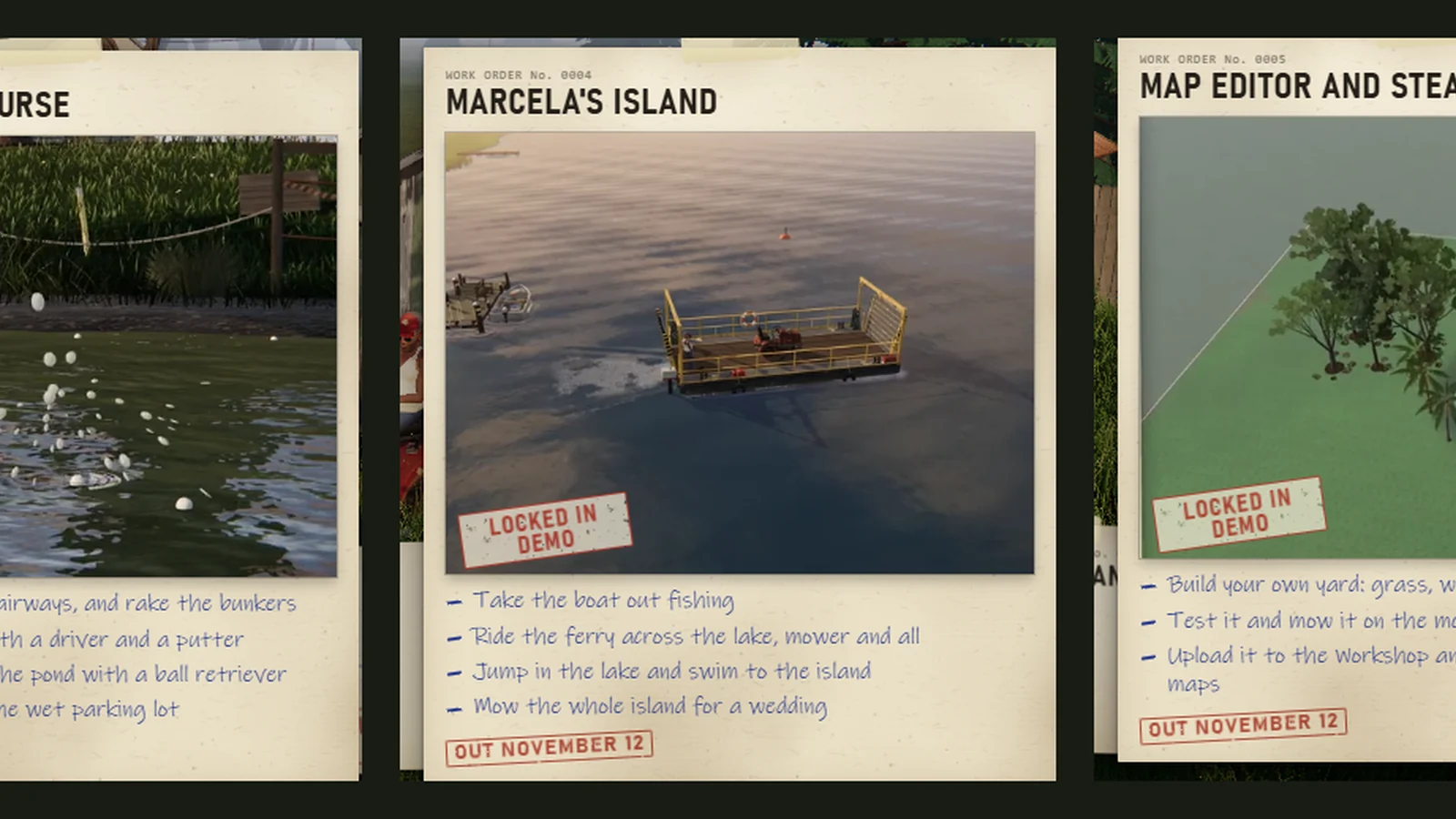
One More Lawn Map Editor: Build Your Own Yard
What the One More Lawn map editor can build, how to design a lawn that is fun to mow, and how to test and share maps through Steam Workshop.
The One More Lawn map editor is the full game's answer to "what if the lawn was the point?" You paint grass, sand, dirt and road, dig ponds, raise hills, plant trees, place fences and put garden gnomes wherever you like. Then you press Test Drive and mow it.
The editor ships with the full game, and maps go to the Steam Workshop ↗. The demo ↗ does not include it.
The demo locks the editor. It opens with the full game on November 12. The official job card lists the toolset: build your own yard with grass, water, hills and trees, test it on the mower, and upload it to Steam Workshop.
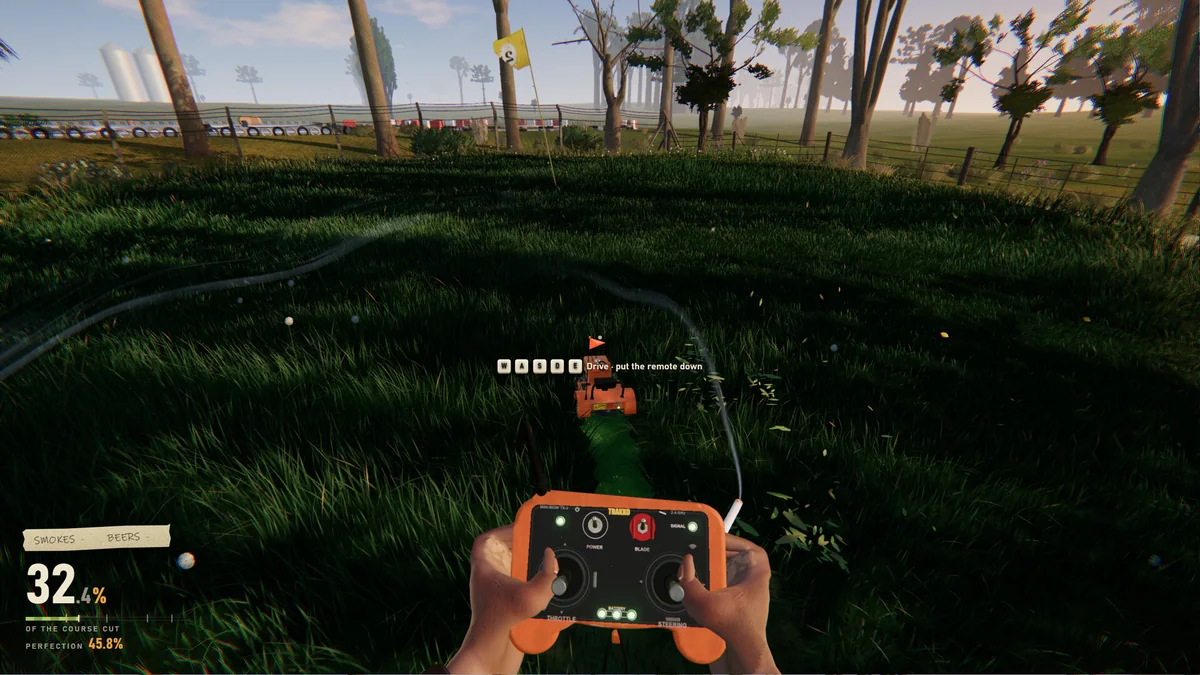
What you can build
The editor's confirmed tools are:
- Grass — the mowable surface.
- Sand — bunkers, paths, beach edges.
- Dirt — bare ground, tracks, rough patches.
- Road — driveways, parking lots, connecting paths.
- Water — ponds and lakes, dug into the terrain.
- Hills — raised and lowered ground.
- Trees — planted obstacles and scenery.
- Fences — boundaries and tight edges.
- Gnomes — placed anywhere, including in the mowing line.
The official description does not promise buildings, vehicles or scripting. Treat it as a terrain and prop editor, not a level-logic engine.
A workflow that produces a mowable lawn
1. Sketch the route before you paint
The best maps are designed around a mowing route, not around a screenshot. Ask:
- Where does the player start?
- What is the longest straight run?
- Where are the tight edges that need the trimmer?
- Where is the water hazard?
- Where is the joke?
If you cannot answer those five questions, the map will be a diorama, not a lawn.
2. Build the terrain first
Paint the big surfaces: grass fields, sand bunkers, dirt patches, roads, water. Raise the hills after the flat layout works. A hill changes the mower's speed and the camera, so test it before you decorate.
3. Add the hard edges
Fences, trees, ponds and garden walls are what make a lawn interesting. They are also what makes it frustrating. Leave enough gap for the mower to pass, and put the tight spots where the trimmer can reach them.
4. Place the props last
Gnomes, furniture and decorations are care-score traps. Place them deliberately:
- In the open if you want the player to move them.
- At the edge if you want a trimmer challenge.
- In the middle of a straight lane only if you are a monster.
5. Test Drive
The editor's Test Drive puts you on the mower in the map you just built. Use it to check:
- Deck clearance under trees and fences.
- Turn radius at the end of each lane.
- Water edges — can the mower fall in?
- Prop collision — does the gnome survive?
- The timelapse view — does the map look good from above?
Test Drive is not a separate game mode; it is the editor's playtest. Iterate until the route feels good, then publish.
Design rules for a good mowing map
Give the player a long first line
The first pass sets the stripe pattern. A map that starts in a cramped corner forces a wobbly first stripe. Put the spawn point at one end of the longest open run.
Use height changes sparingly
Hills are fun, but the deck height is a job setting, not a terrain setting. A map that constantly changes elevation makes the mower bounce and the camera jump. One or two hills are enough for a custom yard.
Make water visible
A pond is a hazard, not a surprise. Give the edge a sand or dirt border so the player can see where the grass ends.
Reward the trimmer
Every good map has at least one edge that the mower cannot reach. A fence line, a lighthouse base, a tree ring. If the mower can do everything, the trimmer is decoration.
Put the joke somewhere findable
A gnome on a roof, a wagon train in a driveway, a party speaker by the pool. The editor is a toy; the joke is the point.
Publishing and sharing
The editor connects to Steam Workshop. You can upload your map and download other players' maps. The Workshop guide→ covers browsing, subscribing and uploading in detail.
Before you publish:
- Test Drive the whole route, not just the first minute.
- Check the spawn point — a player stuck in a tree is a bad first impression.
- Name the map clearly. "Backyard" is less useful than "Elvira's Revenge".
- Credit inspiration if you are remaking a known layout.
Co-op maps
Custom maps work in co-op if the lobby supports them. Six players need wider lanes than one player; a map that feels roomy solo can become a traffic jam with six mowers.
Design for co-op by:
- Widening the main lanes.
- Adding a second open field.
- Keeping the tight edges on the perimeter.
- Placing props where they can be moved, not where they block the only route.
The co-op guide→ has the role split.
FAQ
Is the map editor in the demo?
No. It is locked in the demo and included in the full game on November 12.
Can I share maps?
Yes, through Steam Workshop. Upload from the editor and subscribe to other players' maps.
Can I make a map with no grass?
You can paint sand, dirt and road, but a lawn-mowing game with no lawn is a tech demo. The editor is happiest when there is something to mow.
Does the editor support buildings?
The official feature list covers terrain, water, hills, trees, fences and gnomes. Buildings and scripting are not confirmed.
Official source: One More Lawn on Steam ↗ and the official Map Editor and Steam Workshop job card.