One More Lawn Settings: HUD, Family Mode and Performance
A practical tour of One More Lawn settings: HUD visibility, Family Friendly mode, resolution, controller options and what to change for a smoother mow.
One More Lawn's settings menu is not a wall of graphics sliders. The options that matter most are about comfort and tone: HUD visibility, Family Friendly mode, controller bindings and resolution/window mode. The game is deliberately lightweight, and most players will spend more time in the controls menu than the graphics menu.
This guide covers the settings I can confirm from the demo and the patch notes, and flags the ones that are not confirmed so you do not go looking for a slider that does not exist.
The settings that matter
HUD visibility
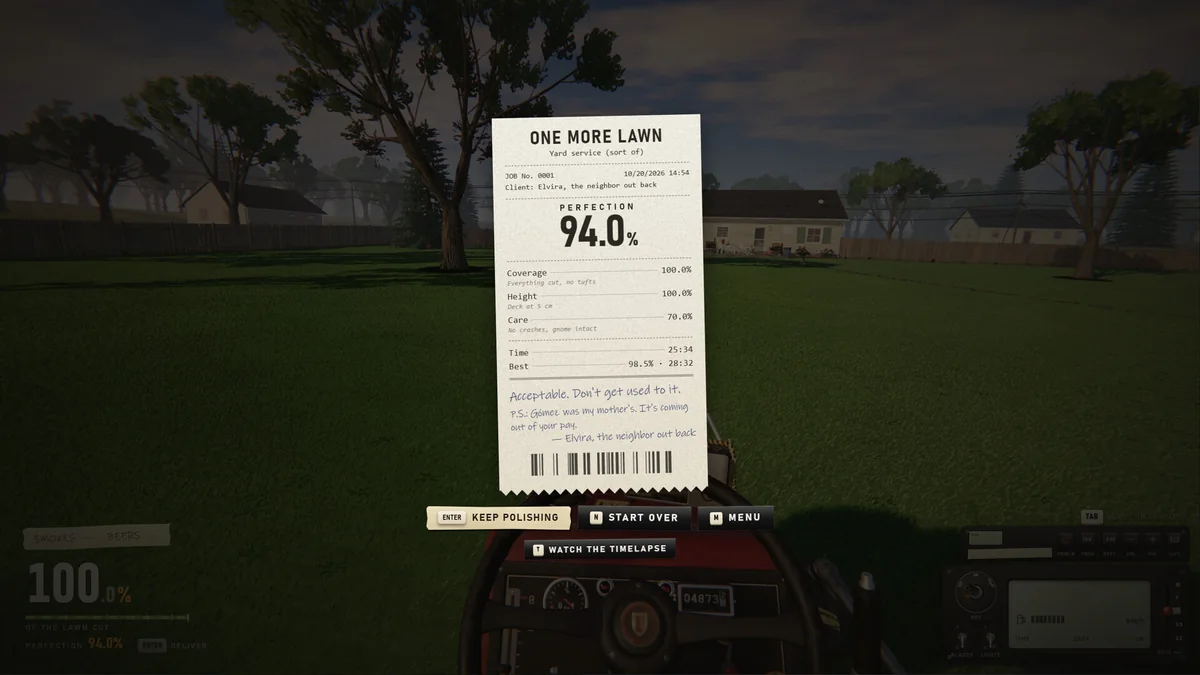
Since 0.9.22 you can hide the HUD. This is the setting for screenshots, timelapses and anyone who wants a cleaner view of the lawn.
- Hide it when you are recording or taking screenshots.
- Turn it back on for scored jobs; the cut percentage and deck number are too useful to lose.
- In co-op, each player can choose independently.
Family Friendly mode
Options > General. It changes:
- Cigarettes become lollipops.
- Beer becomes a bottle of water.
- The smoke, coughing and drunk-driving wobble are removed.
It is per player, works in co-op, and can be toggled at any time. If you are playing with younger players, turn it on before the first job.
Resolution and window mode
Added in 0.9.20. The game supports windowed and fullscreen modes and multiple resolutions.
- Use your monitor's native resolution.
- Borderless/windowed is useful for alt-tabbing to a guide.
- If the game launches at an odd size, check this setting first.
Controller and bindings
Options > Controls covers keyboard, mouse, controller and wheel. You can remap keys and buttons, disable the controller entirely, and calibrate a force-feedback wheel.
The controls guide→ has the full binding sheet.
Language
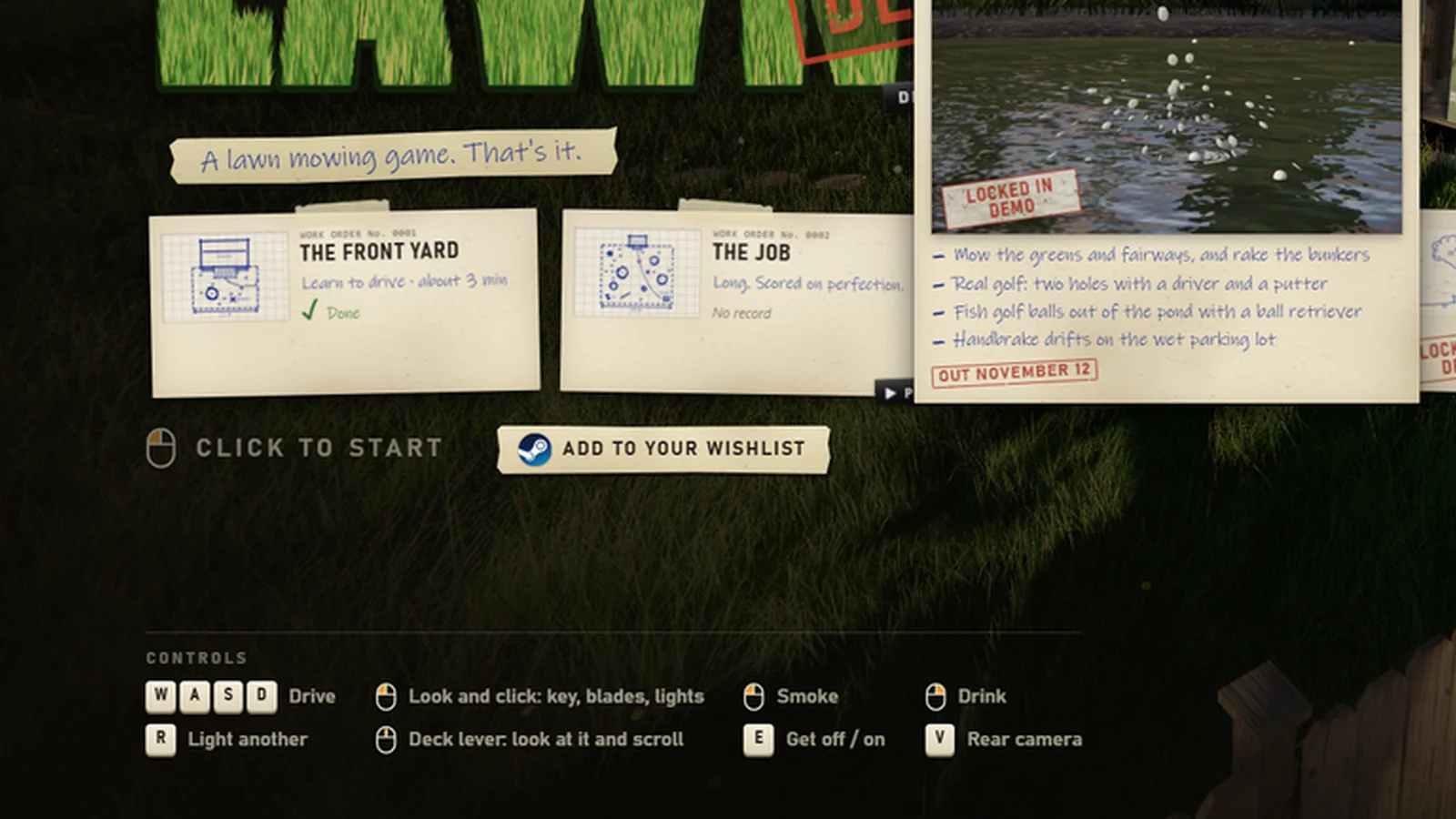
The store page lists 22 supported languages with interface, full audio and subtitles. The language selector is on the title screen (the demo shows an EN button in the top right).
What is not confirmed
I have not found confirmed settings for:
- An FOV slider. The first-person camera may be fixed. Do not buy the game expecting a competitive FOV range.
- A frame-rate cap. The game may follow your display; there is no published cap option.
- Advanced graphics quality tiers. The requirements are modest, and the demo does not present a deep graphics menu.
- Motion blur, depth of field or film grain toggles. Not confirmed.
If these appear after launch, they will likely be in Options > Graphics. I will update this page when the full game is available.
The absence of an FOV slider is not a dealbreaker for a lawn-mowing game, but it is worth knowing if you are sensitive to first-person camera motion.
Performance: what to expect
The Steam requirements are gentle:
| Minimum | Recommended | |
|---|---|---|
| CPU | Modest minimum; check the store page for the exact model | i5-8400 / Ryzen 5 2600 |
| GPU | GTX 960 or RX 460 2GB | GTX 1060 6GB / RX 580 |
| RAM | 8 GB | 16 GB |
| Storage | 2 GB | 2 GB |
| OS | Windows 10/11 64-bit | Windows 10/11 64-bit |
The exact minimum CPU line is easy to misread; check the store page before you buy. The GPU and RAM figures are the practical floor.
If the game stutters
- Lower the resolution before you lower anything else.
- Close background apps; the game is CPU-light but not CPU-free.
- Update your GPU driver. The demo had a driver-related crash fixed in 0.9.20; a current driver avoids the old bug.
- On a laptop, plug in and use the discrete GPU.
- If you use a wheel, check that the wheel software is not polling at a silly rate.
Steam Deck
The game has full controller support and improved Steam Deck support since 0.9.18. The demo is light enough for the Deck; the full game adds the island and the editor, which are the heaviest scenes.
If the Deck struggles:
- Cap the frame rate in the Deck's performance menu.
- Use the default controller layout.
- Remap the deck lever to a back button if reaching for the trackpad is awkward.
Audio settings
The game has an in-game radio with licensed music, plus custom music from your PC. The radio can be turned off; custom music is shared in co-op only if you allow it.
- Streamer Mode hides the lobby code and is the setting for broadcasting.
- Custom music is local; files are not uploaded.
- Radio music is cleared for streaming and monetization; player music is not.
The radio guide→ covers the music system.
Co-op settings
- Family Friendly is per player.
- HUD visibility is per player.
- Controls are per player.
- Streamer Mode is per player.
The host's job and deck height are shared; the comfort settings are not.
A sensible first settings pass
- Set the resolution to native.
- Turn on Family Friendly if you need it.
- Remap the rear camera and deck lever to comfortable inputs.
- Leave the HUD on for scored jobs.
- Turn the radio volume down if you are using voice chat.
- Test a short lawn before you commit to a big one.
FAQ
Can you change FOV in One More Lawn?
Not confirmed. I have not found an FOV slider in the demo or the patch notes.
How do you hide the HUD?
Since 0.9.22, HUD visibility is a setting in the options menu. It can be toggled per player.
Does Family Friendly mode affect co-op?
It is per player. One player can see lollipops while another sees cigarettes.
What are the PC requirements?
GTX 960 / RX 460 2GB minimum, GTX 1060 6GB / RX 580 recommended, 8–16 GB RAM, 2 GB storage, Windows 10/11 64-bit.
Official source: One More Lawn on Steam ↗, the 0.9.20 resolution notes ↗ and the 0.9.22 HUD and Family Friendly notes ↗.